
01 / BACKON
Start with one small sprint.
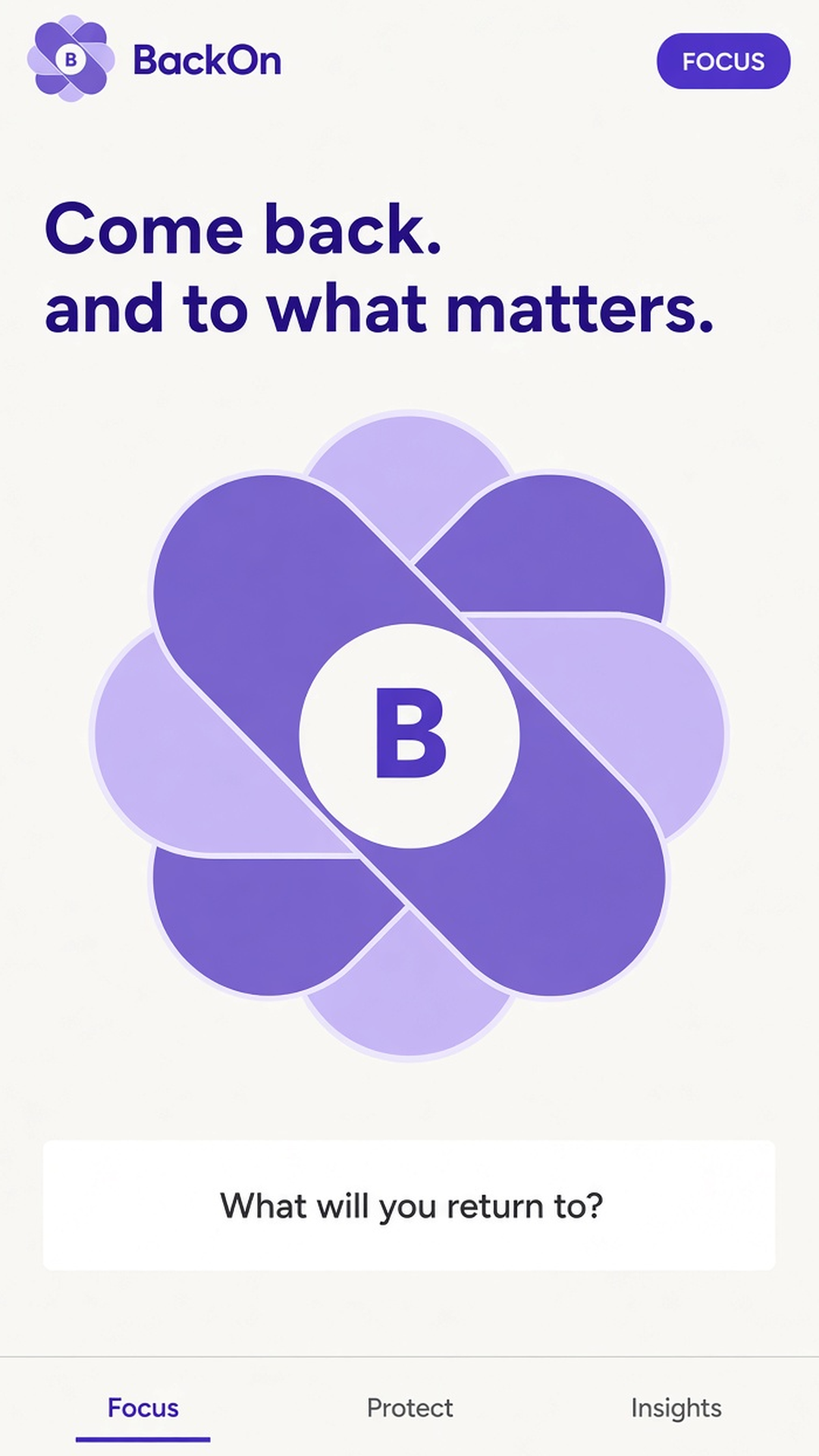
Choose 5, 10, 15 minutes or a custom duration. Set a next action, then reflect when you're done. Your recovery history stays on your device.
Distraction happens. BackOn helps you notice the drift, choose a small next action and return to your day with short focus sprints.
Download BackOnAndroid · iPhone · iPad
THE DETAILS THAT MAKE A DIFFERENCE
01 / BACKON
Choose 5, 10, 15 minutes or a custom duration. Set a next action, then reflect when you're done. Your recovery history stays on your device.
02 / BACKON
On Android, optional Usage Access monitors selected apps and can send a nudge to return. Monitoring pauses while your phone is locked.
03 / BACKON
On Android, an Accessibility shield can cover selected distracting apps during a sprint, schedule, or daily limit. On iPhone, Apple Screen Time can pause the apps and Safari sites you pick. Home and emergency controls remain reachable.
04 / BACKON
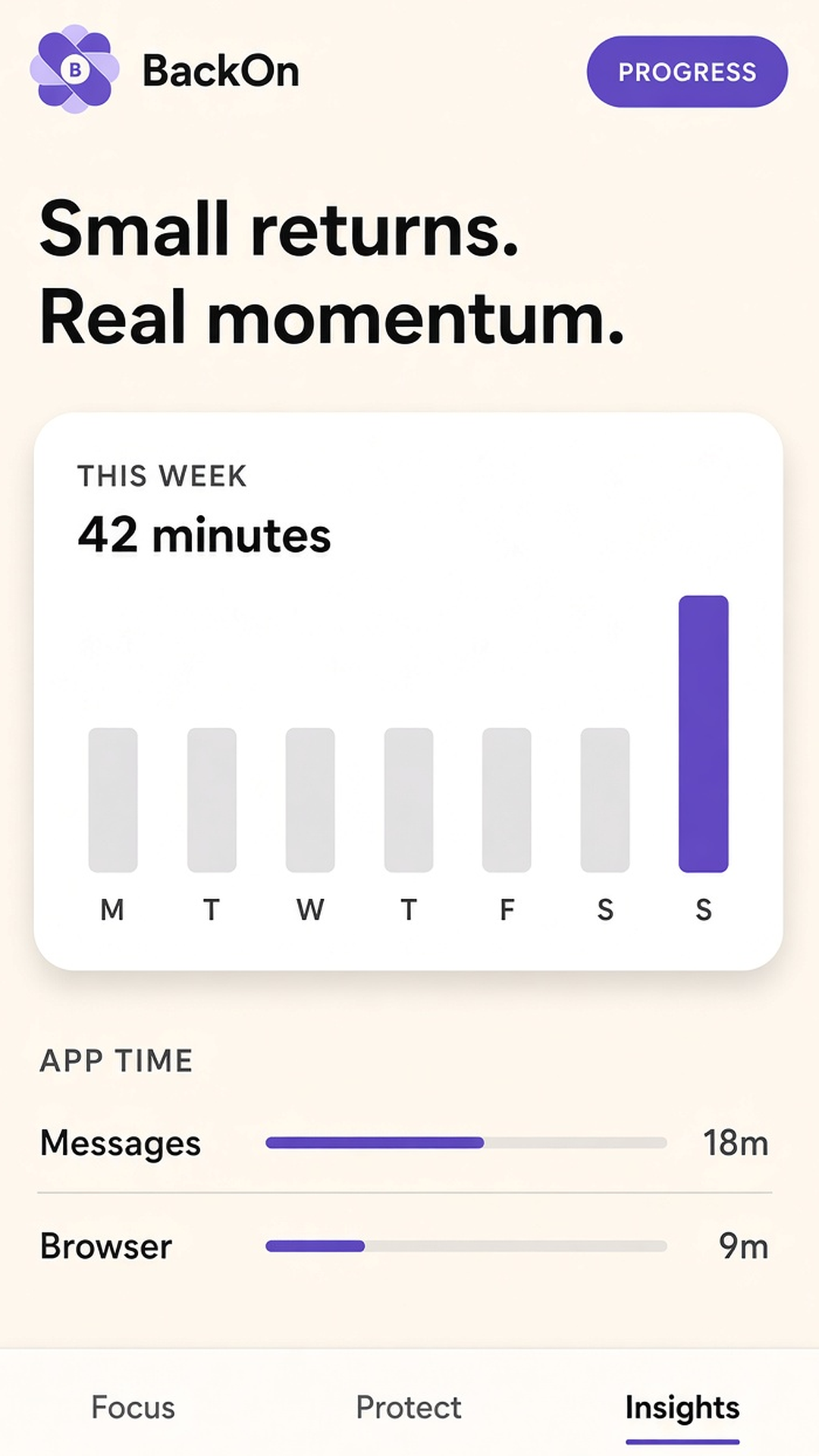
Explore seven days of app foreground time and opens, together with recovery metrics calculated on your device.
05 / BACKON
Use schedules and daily limits to shape when you want protection. Optional Premium tools include strict sprints and extra focus windows.
06 / BACKON
Optional Premium tools include Shorts and site filters on Android, Safari site pauses on iPhone, quiet notifications, and uninstall protection. Start with the focus tools that suit your routine.
TAKE A CLOSER LOOK
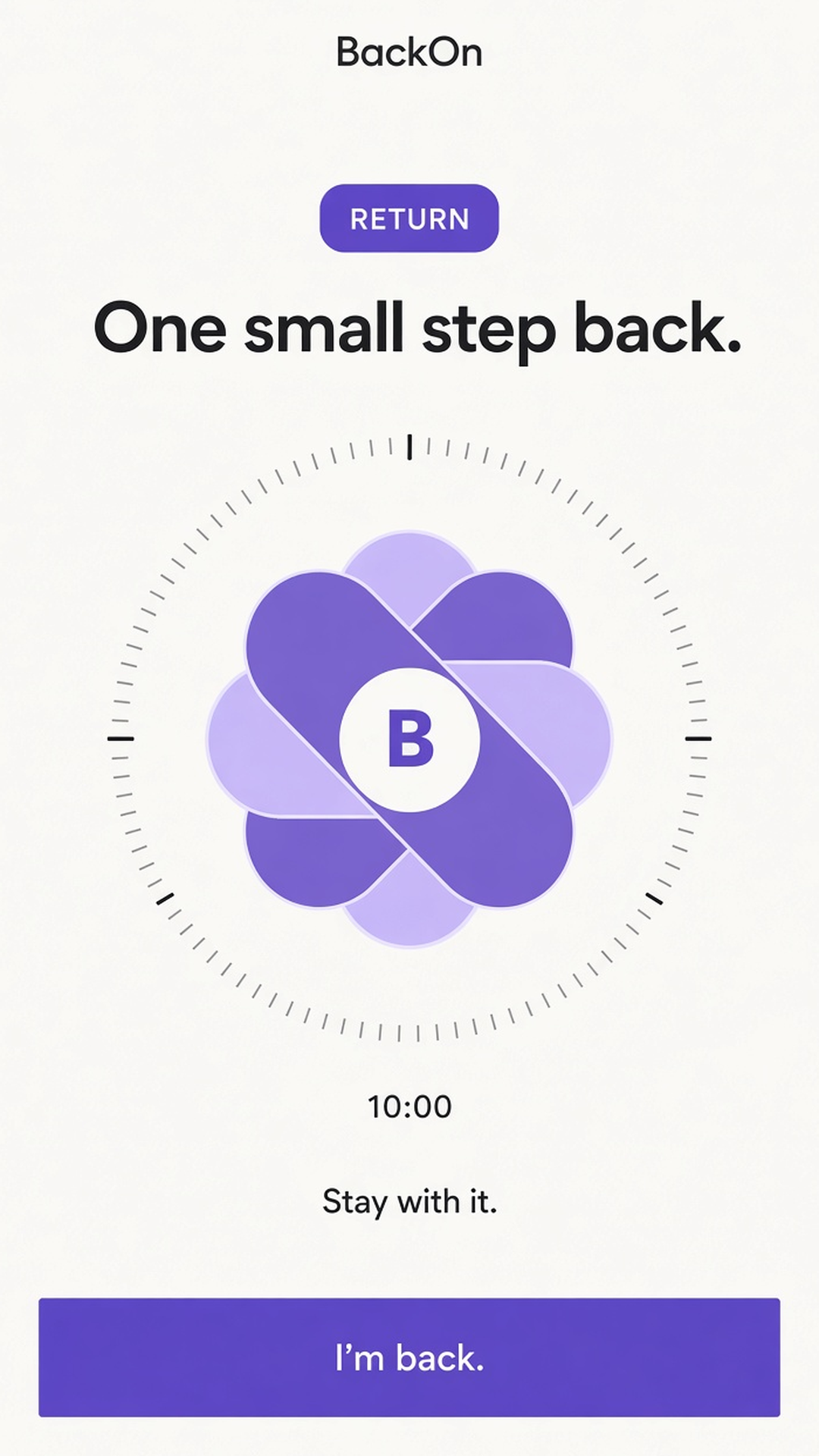
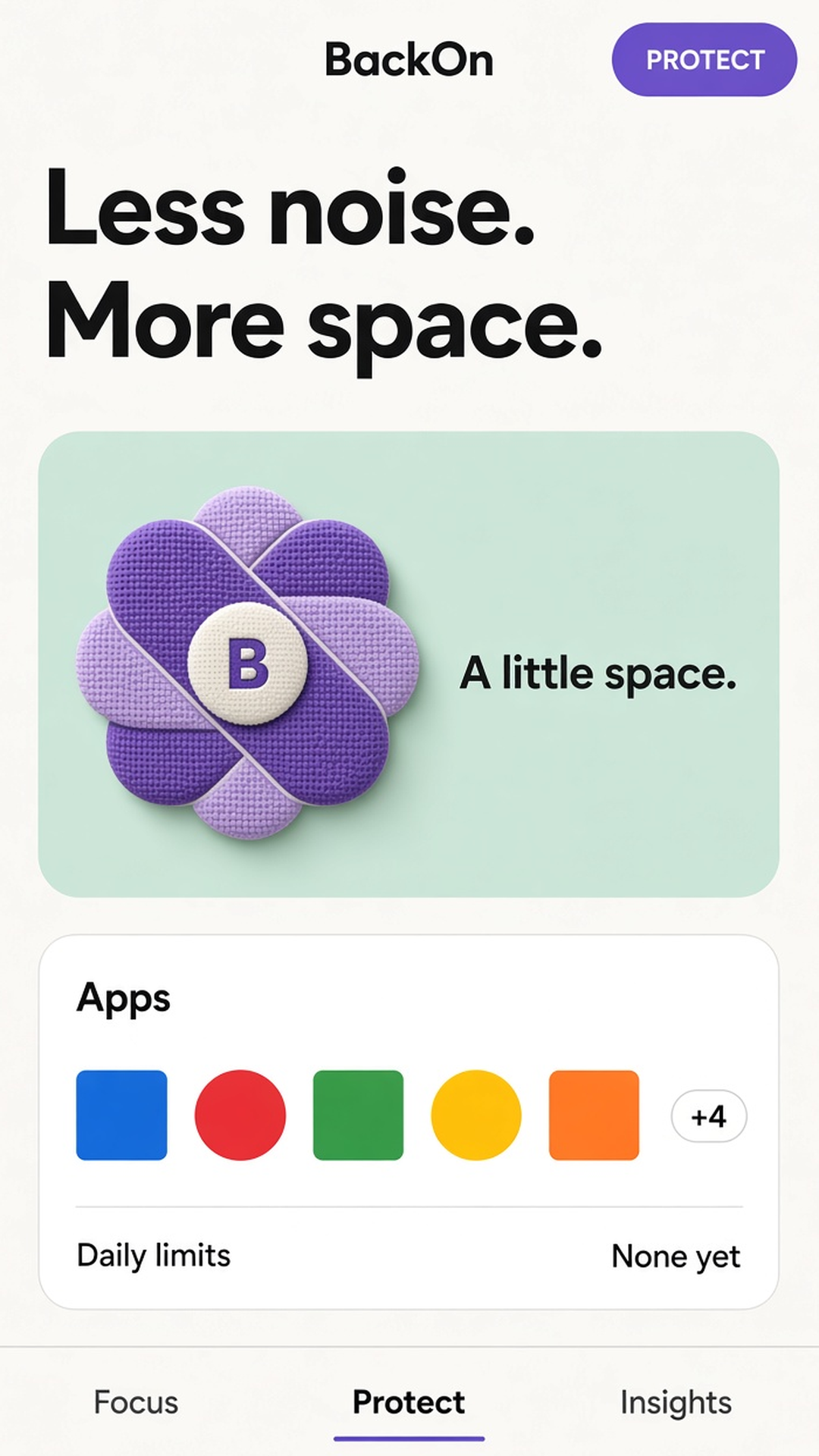
Scroll through the official screenshots. Select one to view it at full size.
MAKE A LITTLE ROOM IN YOUR DAY
You don't need a perfect day to make progress. Choose one thing, give it a little room and take the next step.
Pick one next action and a sprint duration you can commit to.
Use optional protection for the distracting apps you've selected — Accessibility on Android, Screen Time on iPhone.
Review your return and your on-device history. Build momentum at your own pace.
A FEW THINGS TO KNOW
Yes. BackOn is on the App Store for iPhone and iPad, and on Google Play for Android.
On Android, Usage Access supports selected-app monitoring and Accessibility enables the focus shield. On iPhone, Screen Time permissions pause the apps and Safari sites you choose. Grant these only for the optional features you use.
The last seven days of foreground time and app opens, plus your recovery metrics. These calculations happen on your device.
Shields are designed to keep Home and emergency controls reachable while protecting your selected distractions.
Email premangshu@supstudio.in. You can also read our Privacy Policy and Terms & Conditions.

YOUR NEXT LITTLE EVERYDAY
Android · iPhone · iPad